Best Budgeting Apps in 2026
Why Good Budgeting Apps Get Deleted
Our pick depends on one split: hands-on planners fit YNAB, hands-off trackers fit PocketGuard or Empower, and couples fit Monarch Money or Goodbudget best.
Most people do not abandon a budgeting app because it lacks features. They abandon it because the app fights how they actually think about money. That mismatch, not price, is the real reason so many downloads gather dust.
The 2026 landscape looks different from a few years ago. The free giant Mint shut down, Monarch and Copilot rose as paid favorites, and bank syncing grew both smarter and more fragile. This guide sorts the field by method and mindset rather than hype.
You will find a category breakdown, an expanded comparison table, a free-versus-paid reality check, and direct picks for common situations. Every price and feature here is a moving target, so treat each as a starting point to confirm on the official site. The aim is a confident decision, not one universal winner.
The Short Answer Turns On One Split
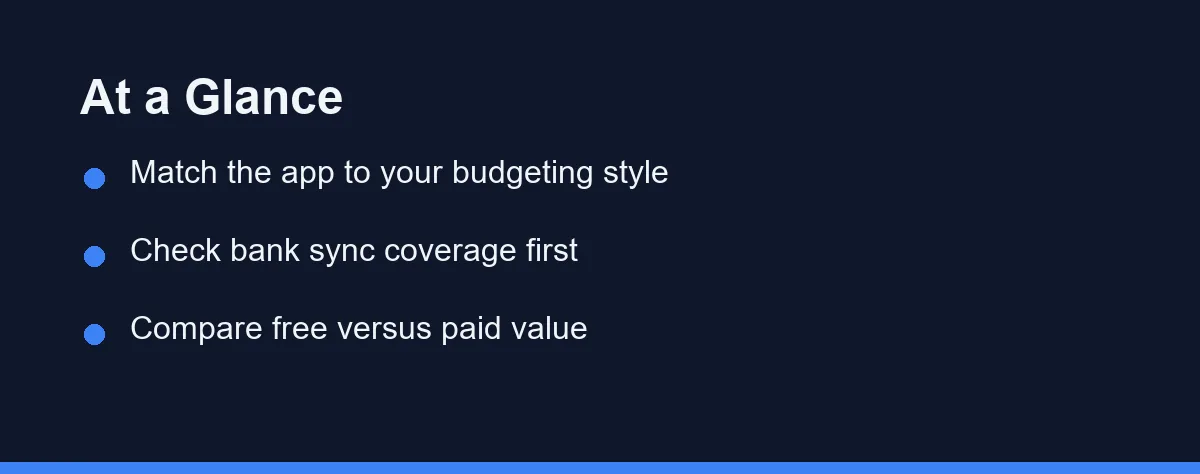
There is no single best budgeting app for everyone. The choice comes down to one split: do you want hands-on planning, or hands-off tracking? Almost every other decision follows from that answer.
Zero-based fans gravitate toward dedicated planning apps. People who want simple oversight prefer automatic trackers with clean dashboards. Couples and families should put shared access and clear category controls ahead of everything else.
If you are unsure, begin with a free tier and a single goal. Test the sync, the interface, and the reports for a few weeks. You can always upgrade or switch once you understand your own habits.
Eight Apps, Sorted By The Job They Do
The apps below represent common categories rather than a ranked leaderboard. Each one suits a different mindset and workflow. Use them as reference points while you compare.
YNAB (You Need A Budget)
YNAB is built around proactive zero-based budgeting. It encourages assigning every dollar a job and rolling with the punches when plans change. It costs $14.99/month or $109/year (as of Aug 2026) after a 34-day free trial. It rewards engagement, so it fits people who want active control.
Monarch Money
Monarch focuses on a polished dashboard with strong tracking and planning features. It supports shared household budgeting and long-term goal tracking. Pricing runs $14.99/month or $99.99/year (as of Aug 2026) with a 7-day free trial. It tends to appeal to couples and people who want a modern, all-in-one view.
EveryDollar
EveryDollar offers a straightforward zero-based approach with a clean interface. A free version supports manual entry, while the premium tier at $17.99/month or $79.99/year (as of Aug 2026) adds automation after a 14-day free trial. It suits beginners who want simplicity over deep customization.
PocketGuard
PocketGuard emphasizes a simple “what is safe to spend” number. It aggregates accounts and highlights money left after bills and goals. It works well for people who want quick clarity rather than detailed planning.
Empower (Personal Dashboard)
Empower blends budgeting basics with investment and net-worth tracking. It leans toward an overall financial picture rather than strict envelope budgeting. It fits users who want spending and investing in one view.
Copilot Money
Copilot focuses on a polished, Apple-first experience with smart categorization. It leans on automation and clean design to reduce manual work. It appeals to iPhone and Mac users who want a modern tracker.
Rocket Money
Rocket Money centers on finding and canceling unwanted subscriptions. It tracks spending and flags recurring charges you may have forgotten. It suits people whose main money leak is bills they no longer use.
Goodbudget
Goodbudget brings the classic envelope system into a digital format. It relies on deliberate manual entry rather than heavy bank syncing. The free plan covers 10 regular envelopes, and the premium tier runs $10/month or $80/year (as of Aug 2026). It fits couples and cash-envelope fans who want shared, intentional limits.
Method, Free Tier, And Who Each One Suits

The table below summarizes how these categories typically differ. Treat it as a starting framework, since features and tiers change over time. Always confirm current details on each official site.
| App | Primary Method | Free Tier | Best For | Notable Strength |
|---|---|---|---|---|
| YNAB | Zero-based | Trial only | Active planners | Hands-on control |
| Monarch Money | Tracking and planning | Limited | Couples and households | Polished dashboard |
| EveryDollar | Zero-based | Manual only | Beginners | Simple setup |
| PocketGuard | Tracking | Yes | Quick clarity | Safe-to-spend view |
| Empower | Tracking | Yes | Big-picture users | Net-worth tracking |
| Copilot Money | Tracking and planning | Trial only | Apple users | Design and automation |
| Rocket Money | Tracking | Yes | Subscription cutters | Bill and subscription control |
| Goodbudget | Envelope | Yes | Envelope budgeters | Shared digital envelopes |
Method is the biggest dividing line in that table. Zero-based apps demand more involvement but reward it with control. Tracking apps require less effort and surface insights automatically.
Free tiers also vary widely in usefulness. Some are genuinely capable, while others mainly preview paid features. For deeper tool research, see our overview of the best personal finance software.
What Separates An App You Keep From One You Delete
A budgeting app should feel sustainable, not like a chore. Four traits tend to divide the tools people stick with from the ones they uninstall. Weigh them against your own routine before deciding.
Bank Sync That Does Not Break
Account syncing is the backbone of most modern apps. Look for broad institution coverage and stable connections that rarely break. Frequent re-logins and missing transactions quietly kill good habits.
A Method You Can Maintain In Month Six
Apps follow different philosophies, such as zero-based budgeting or flexible category tracking. Pick a method you can realistically maintain. The best method is the one you will still use in six months.
Reports And Alerts You Will Actually Read
Spending reports turn raw data into insight you can act on. Helpful alerts flag overspending or upcoming bills before they become problems. Consider pairing this with dedicated bill reminder apps if your tool is light on alerts.
Security You Can Verify
Because budgeting apps touch sensitive data, security is non-negotiable. Favor apps with encryption, two-factor authentication, and clear privacy policies. Read how the company handles and possibly sells anonymized data.
Where Mint Users Ended Up
Mint anchored the free end of this market for years, so its shutdown reshaped the field. Intuit retired the standalone app and pointed users toward Credit Karma. Credit Karma kept the account overview but dropped much of the category budgeting people relied on.
That left former Mint users choosing between two directions. Some moved to another free tracker and accepted lighter planning tools. Others decided the habit was worth paying for and moved to Monarch, Copilot, or YNAB.
If you are still migrating, export your transaction history before you close anything. Import support varies by app and by file format, so check what each one accepts. Confirm the current state of Mint and Credit Karma on their official sites, since these transitions keep changing.
Narrowing The Field In Three Passes
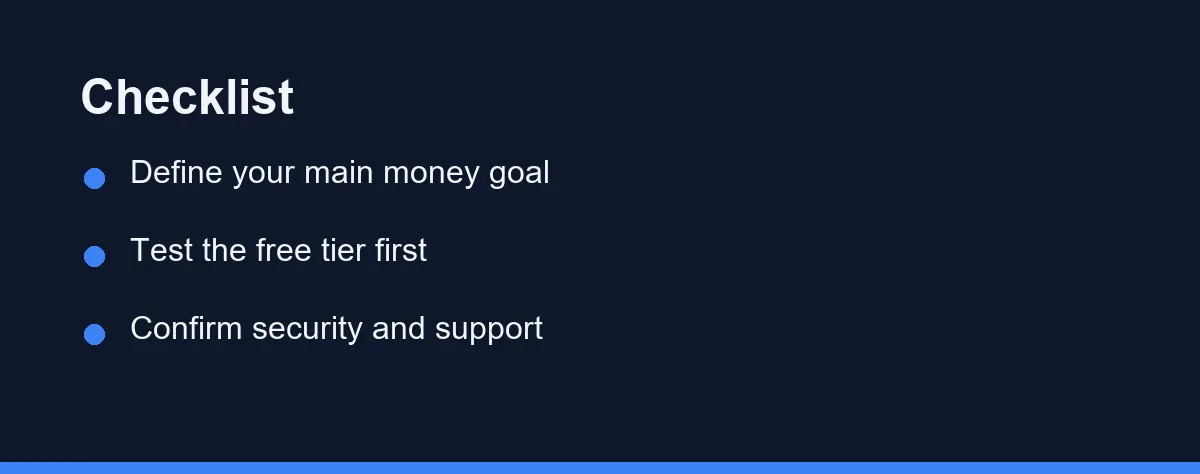
Start by naming your primary goal, such as cutting spending or saving for something specific. A clear goal narrows the field quickly. Many people overcomplicate this first step.
The second pass is a reality check against your real accounts. Sync reliability and category accuracy matter more than feature lists. A beautiful app that mislabels transactions creates more work, not less.
The third pass is about who else needs access. Couples and families benefit from shared budgets and clear permissions. If you also track expenses for work, compare options in our expense tracker apps guide.
Which Budgeting App Fits You
The best pick depends on your situation more than any single feature. Below are direct starting points for common cases. Treat each as a shortlist, then test the free tier yourself.
If you are a total beginner: Start with a simple tracker like PocketGuard, or a free tier that syncs your accounts automatically. You want to see spending with minimal setup before committing to a strict method. Low friction keeps the habit alive during the first fragile weeks.
If you want strict, hands-on control: YNAB fits planners who will assign every dollar a job. Its zero-based method rewards weekly engagement and deliberate choices. Expect a learning curve, but also a strong sense of control in return.
If you are budgeting as a couple: Monarch Money or Goodbudget handle shared access and joint categories well. Both let two people see the same plan and agree on limits. Our guide to budgeting apps for couples goes deeper on shared setups.
If your money leaks through subscriptions: Rocket Money surfaces recurring charges and helps you cancel what you forgot. It targets the silent drains that spreadsheets often miss. Pair it with a monthly review to keep new subscriptions in check.
If your income is irregular: A flexible tracker beats a rigid monthly plan when paychecks swing. Look for tools that let you budget from a buffer rather than a fixed salary. Our guide to budgeting on an irregular income covers this case in detail.
A budgeting app tells you where the money went. Two neighboring decisions tend to follow.
If part of your budget goes abroad or to family overseas, transfer fees quietly eat the margin you just found. Our best money transfer apps comparison shows what those fees actually cost. And if the budget exists partly to rebuild credit, it is worth knowing how a credit-builder loan compares with rent reporting before you pay for either.
Shared households add a third decision the app cannot make for you. If the budget has to survive a split rent and a shared utility bill, splitting bills with roommates covers the arrangements that keep the monthly settle-up from turning into an argument.
Free Versus Paid, Judged By Behavior Change
Budgeting app pricing changes often, so treat any quoted figure as a snapshot. As of Aug 2026, PocketGuard Plus runs $12.99/month or $74.99/year, and Copilot charges $95/year after a 1-month free trial. Confirm current pricing on the official site before subscribing.
Many apps use a freemium model with a free tier and a paid upgrade. Others rely on a flat monthly or annual subscription with no permanent free option. Annual billing usually lowers the effective monthly cost.
Some tools offer free trials so you can evaluate them before paying. Treat any trial as a test of habit, not just features. Cancel reminders help you avoid forgetting a renewal date.
The method you pick decides whether a paid app earns its fee at all. A ratio needs almost no software, while an assignment-based plan is where subscriptions pay off, which the zero-based versus 50/30/20 comparison sets out with current prices.
The table below shows the tier patterns you will typically meet at the time of writing. It describes what each level usually includes, not exact prices. Always confirm current cost and trial length on the official site.
| Tier | Typical Cost Model | What It Usually Unlocks | Who It Fits |
|---|---|---|---|
| Free tracker | Free, sometimes ad-supported | Account sync, basic categories, simple reports | Beginners and light trackers |
| Free trial | A set window, then paid | Full features for a limited time | People testing a paid method |
| Paid monthly | Flat monthly fee | Automation, advanced reports, priority support | Committed budgeters |
| Paid annual | Discounted yearly fee | The same features at a lower monthly rate | Long-term, consistent users |
A paid app earns its cost only if it changes your behavior. If you would ignore the advanced reports, a strong free tracker may serve you just as well.
The App Removes Friction, Not The Work
The right budgeting app matches your method, your bank, and your follow-through. A zero-based tool like YNAB rewards active planners, while a clean tracker suits lighter oversight. Couples, subscription-heavy spenders, and irregular earners each have a natural fit among the picks above.
Start with a free tier and one clear goal, such as saving a set amount or trimming a category. Test the sync, the interface, and the reports for a few weeks before you pay. The app only removes friction, so your consistency and goals still do the real work.
This article is for general education only and is not financial advice; consult a qualified professional for your situation.
FAQ
Are budgeting apps safe to link to my bank?
Reputable apps use bank-grade encryption and read-only connections through aggregators like Plaid. Still, review each app privacy policy and enable two-factor authentication before linking accounts.
Do I need a paid budgeting app, or are free ones enough?
Free apps work well for basic tracking and many people never outgrow them. Paid tiers usually add advanced planning, faster support, and ad-free experiences, so the value depends on your goals.
What is the difference between zero-based and tracking-style budgeting?
Zero-based budgeting assigns every dollar a job before you spend it, which suits hands-on planners. Tracking-style apps categorize spending after the fact, which suits people who want lighter oversight.
What happened to Mint, and what should I use instead?
Intuit shut down the standalone Mint app and pointed users toward Credit Karma, which dropped many of Mint's budgeting features. Former Mint users often move to free trackers or paid apps like Monarch and Copilot. Confirm the current status on each official site before switching.
How long before a budgeting app actually helps?
Most people see a clearer picture within the first full month, once transactions are categorized. Real behavior change usually takes two to three months of steady weekly reviews. Consistency matters far more than the specific app you pick.
Sources
- Budgeting: How to create a budget and stick with it | CFPB — checked 2026-09-27
Some links may be affiliate links. We may earn a commission at no extra cost to you.
How this article was made: it was drafted with AI assistance from the official sources listed above, and its figures were checked against those pages on the dates shown. It is not based on personal hands-on testing.
Comments
Post a Comment